


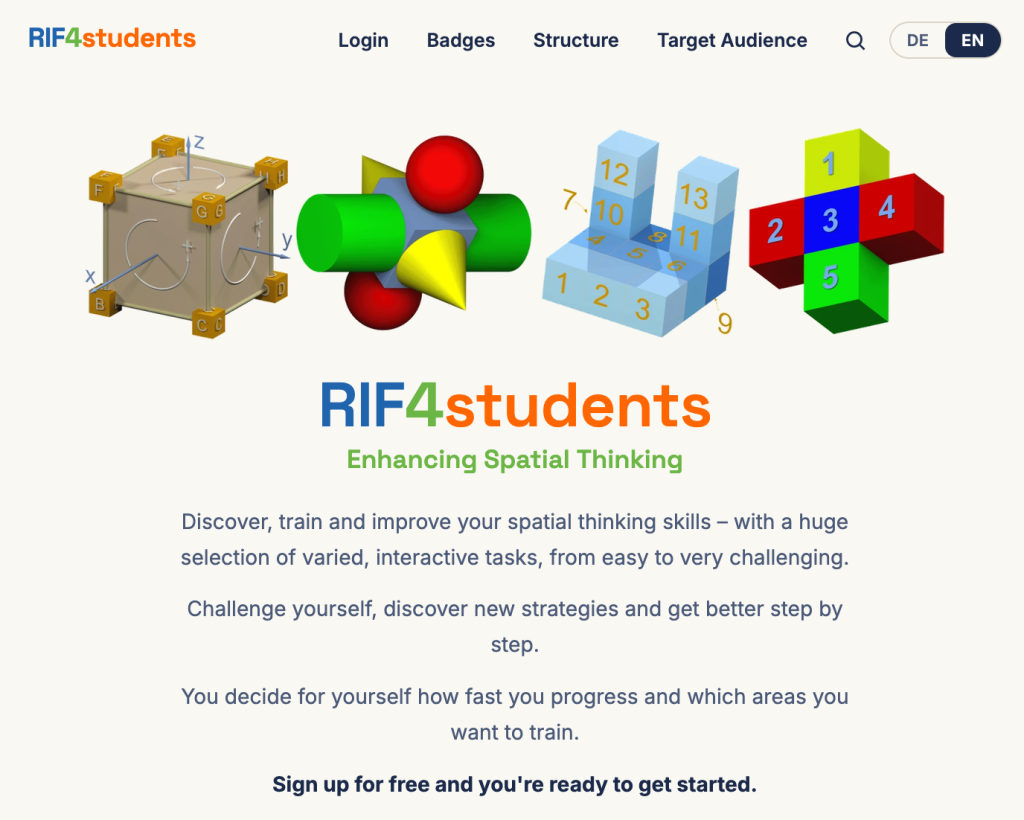
RIF4students is our newest web app!
What is RIF4students?
… is available at https://rif4students.eu/
… a web app for training spatial thinking skills
… is designed for individual learners and groups (classes, families, tutoring groups, …)
… many new profiles can be created in a single step using the downloadable Excel file
… suitable for ages 7 to 99 years
… includes 1,756 interactive tasks ranging from easy to very challenging
… users can earn numerous awards and badges
… simply register or log in, and you’re ready to go
… all users can view and download a detailed, personalized performance profile of their spatial thinking skills
… all group leaders (teachers, parents, etc.) can view and download comprehensive summaries of their group members’ performance (class, family, etc.)
… all tasks have passed a 5-step evaluation process to be included on the platform
… can be used in its entirety by everyone absolutely free of charge
… is available in German and English
… can be accessed in a browser on all devices
… is continuously being improved
… was newly developed in 2026.
Let’s go! Have fun and good luck with RIF4students!

The platform “RaumIntelligenzFörderung 3.0” (RIF 3.0; German for “SpatialThinkingTraining 3.0”) ) at https://rif4you.eu/
RIF 3.0 can be used free by all teachers and their students.
RIF 3.0 offers:
– the possibility to work with different digital devices (PC, tablet, smartphone),
– more than 1,600 interactive tasks,
– a section with tasks for primary school students, and a section for students 12 years and older
– a wide range of options for retrieving results for classes and individual students,
– German (https://rif4you.eu/), English (https://rif4you.eu/en), Spanish (https://rif4you.eu/es), and Portuguese (https://rif4you.eu/pt)
– modern new design … and much more.
RIF 3.0 has been developed, among others, with the help of the MSCA-ITN project SellSTEM of the European Union with a total of about 40 contributors.
And now let’s go! Have fun with the platform!
RIF Stats
RIF Stats

Introduction materials for the three main views (top view, front view, and side view):
- Introduction slides for top view, front view, and side view:
(Download: pptx) - Illustration of the plane and spatial arrangement:
(Download: pdf) - Interactive 3D-pdf of the spatial demonstration object:
(Downlaod: 3D-pdf). In order to enable the interactive movements of the demonstration object, usually the 3D-pdf must be downloaded and then viewed using the Adobe Reader (download).

The Seven Basic Elements of Spatial Thinking:
- Visualization
- Form Constancy
- Position in Space
- Transformation in Space
- Object Combination
- Dynamic
- Spatial Orientation
For more details see menu "Spatial Thinking"
Duality of the Platonic Solids


The picture galleries presented here show works by students on various topics, which were created with a professional CAD software. By clicking on the title-photos you will be forwarded directly to the specific picture gallery.


